
1-866-315-4750
Menu
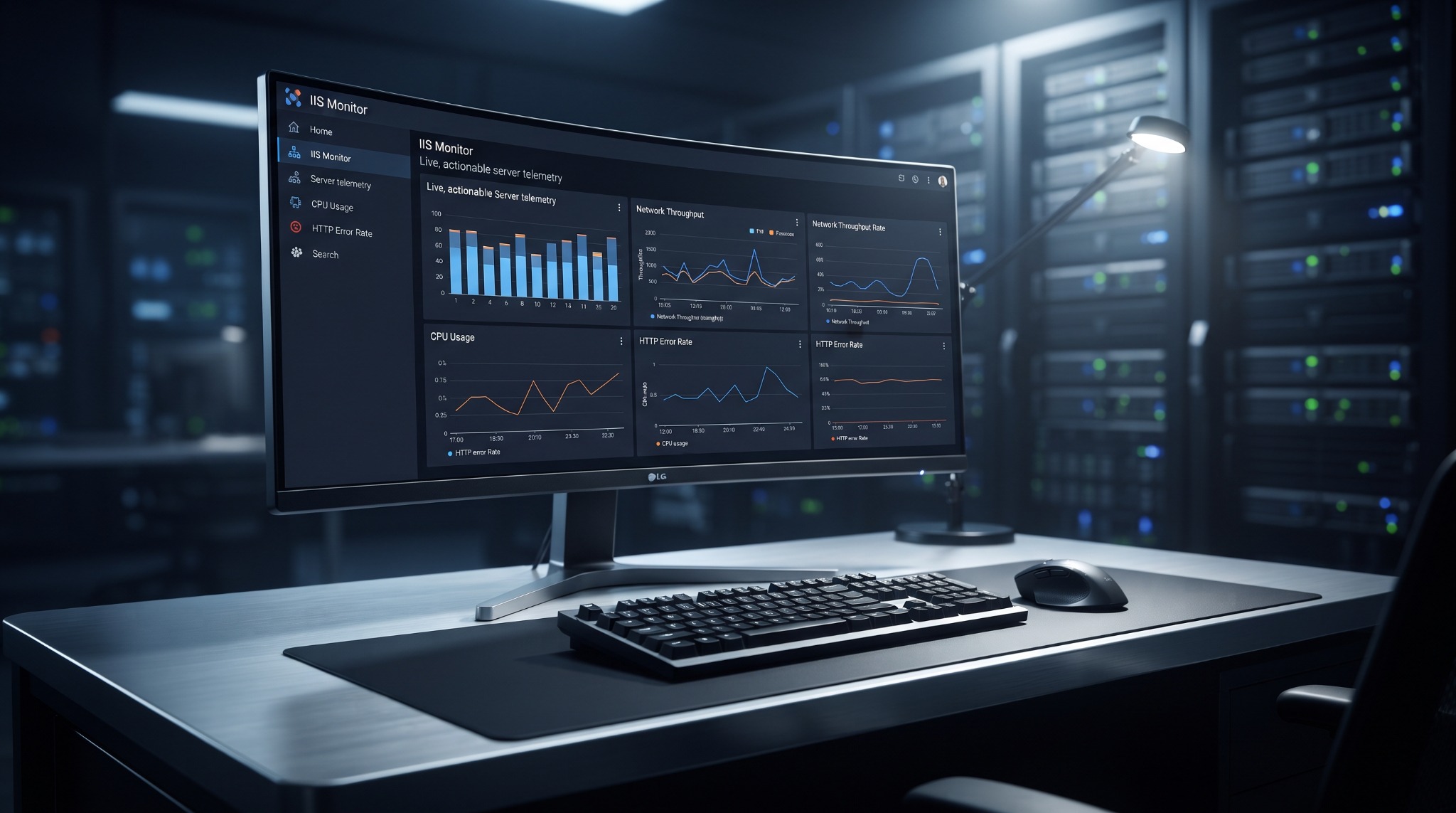
IIS Monitor dashboard displayed in a professional server control room

IIS MONITOR 3.0.14 • WINDOWS X64

See your IIS websites, traffic, and server health in one place.

IIS Monitor gives you a clear live view of website activity, bandwidth use, downloads, errors, connections, CPU, memory, and more—without changing your IIS websites or server settings.

Choose the IIS sites you want to watch, follow dashboard updates every three seconds, review easy-to-understand health summaries, and save detailed reports from every monitoring session.

Monitors without changing your server.

IIS Monitor reads the information already available from Windows and IIS, then creates its own reports. It does not change your websites, application pools, bindings, firewall rules, ports, services, website files, or official IIS logs.

IIS Monitor product walkthrough

AFTER PURCHASE

Watch your email—everything arrives within one hour.

SOFTWARE • LICENSE • COMPATIBILITY TESTER
We will email your IIS Monitor software, personal 10-digit license code, and IIS Compatibility Tester to the email address used at checkout within one hour after your purchase. Questions about delivery or activation? Call 1-866-315-4750 or email [email protected].

ACTUAL PRODUCTION SOFTWARE

Your server's health, traffic, and bandwidth at a glance.

The Live Overview brings together connections, request activity, bandwidth, rejected requests, server errors, CPU, memory, IIS worker use, storage, and easy-to-read charts in one screen.

IIS Monitor Live Overview showing selected-site health, operational KPI cards, and last-15-minute charts
Fresh dashboard updates every three seconds See Windows and network performance alongside the requests, errors, content, and totals for only the IIS websites you selected.

POWERFUL FEATURES

The answers you need, without digging through IIS logs.

Each screen answers a practical question, while the Status Summary explains normal responses, internet probes, and important server errors in clear language.

01

Choose the exact sites

Every IIS Site Name is discovered and checked by default. Include or exclude any combination before the session begins.

02

Monitor traffic and bandwidth

See which websites, downloads, files, and web addresses are using the most bandwidth and receiving the most requests.

03

Understand HTTP errors

Review request history, Errors Only, and HEALTHY / ATTENTION / CRITICAL summaries with affected site names and recommended action.

04

Keep detailed reports

Review retained CSV, TXT, and JSON reports inside the Full Logs viewer whenever you need a closer look.

05

Save and share a session

Create a ZIP of the latest monitoring session for customer support, internal review, troubleshooting, or long-term records.

06

Manage stored reports safely

Remove selected IIS Monitor sessions and packages while active monitoring remains protected and official IIS logs remain untouched.

SITES & CONTENT

See where your server bandwidth is going.

Clear full-width tables show website activity, downloads, files, requests, bandwidth use, and errors. Select any image to view the actual software at full resolution.

SAFETY & COMPATIBILITY

Check compatibility and monitor with confidence.

Our IIS Compatibility Tester checks the Windows and IIS features needed by the software before monitoring begins.

Monitors without making server changes

IIS Monitor records what is happening and creates its own reports. It does not edit IIS, change your firewall, generate traffic, or modify your websites.

  • No changes to sites, application pools, bindings, ports, or services
  • No changes to official IIS logging fields or W3C files
  • No changes to firewall rules or website content
  • External IIS configuration changes are detected and reported

Confirm compatibility before you buy

Want to check your system first? Email [email protected] and we will send you the IIS Compatibility Tester before you purchase.

  • The Compatibility Tester is also included with every purchase
  • Checks the required Windows and Microsoft IIS components
  • Identifies missing or incompatible logging settings
  • Helps you correct compatibility issues before using IIS Monitor

SIMPLE OPERATING FLOW

From activation to a complete report.

IIS Monitor is one portable desktop application. There is no traditional product installer or permanent Windows service.

Activate

Enter the supplied 10-digit code on the licensed computer and complete the required first online verification.

Select sites

Keep every discovered IIS Site Name checked or uncheck any site you do not want included in that run.

Monitor

Watch the live dashboard update every three seconds while IIS Monitor records activity for the websites you selected.

Finalize

Stop cleanly, inspect retained logs, package the latest run, or safely remove selected monitor-owned results.

Helpful to know: connection counts are not visitor counts—one visitor may open several connections. If your website uses Cloudflare, traffic served directly from Cloudflare's cache never reaches your IIS server and therefore will not appear in IIS Monitor. Completed IIS requests appear after IIS finishes processing them.

ONE PAYMENT • ONE COMPUTER

Own IIS Monitor for $29.99.

Your purchase includes a lifetime license for one computer, lifetime software upgrades, lifetime customer support, and the IIS Compatibility Tester. We will email the software, 10-digit license code, and tester within one hour after purchase.

Buy securely through Stripe No subscription • Compatibility Tester included • Online activation required