

1-866-315-4750
Menu

AI CREATIONS NOW SOFTWARE • VERSION 1.0

Automated Backup
Packager

Choose your schedule, pick the files and folders that matter, and tell the app where to save the ZIP. Automated Backup Packager takes it from there.

FREE 15-DAY TRIALWINDOWS 11 & WINDOWS SERVERSTANDARD ZIP FILES
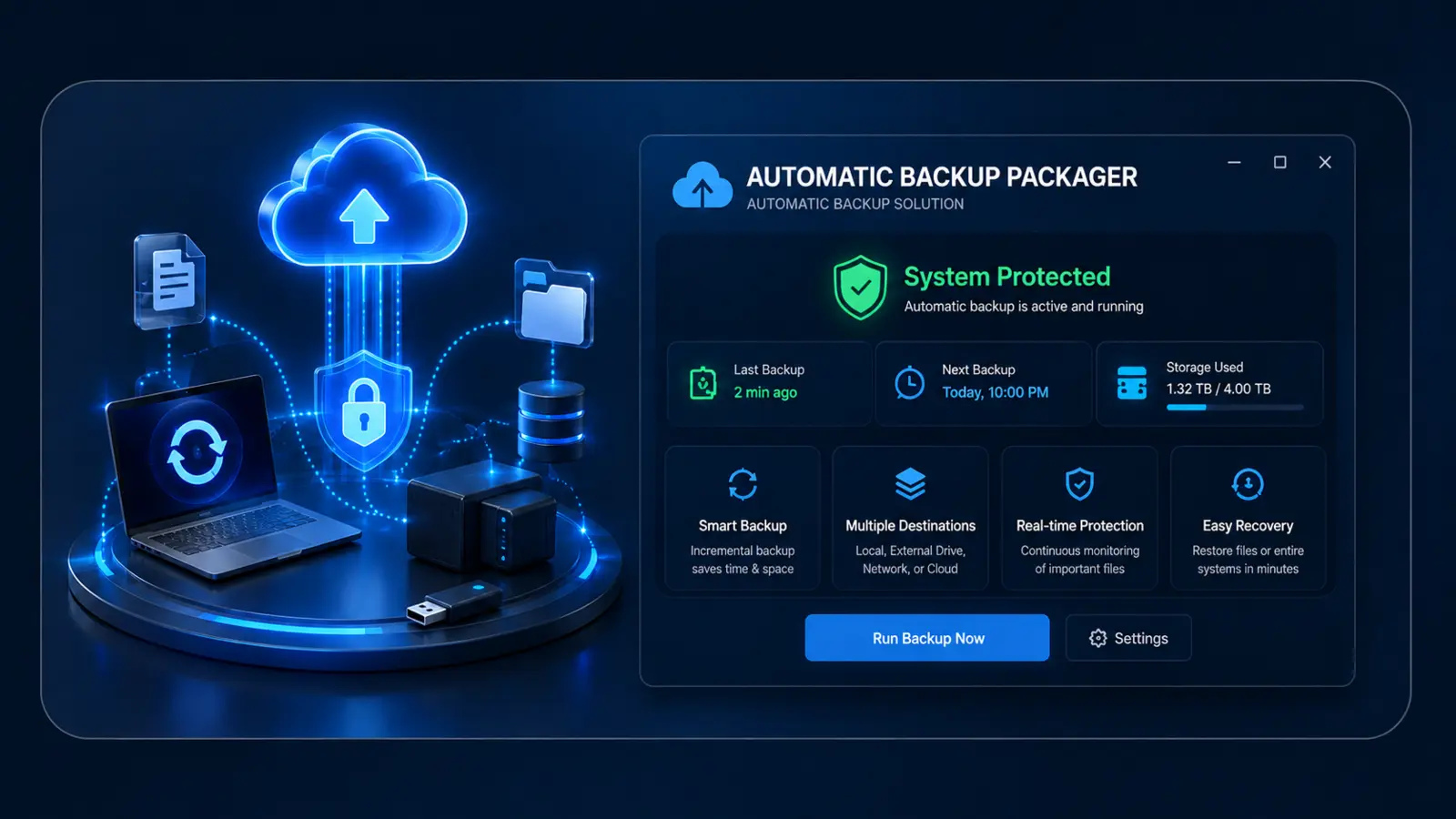
AUTOMATED BACKUP PACKAGER • PRODUCT ARTWORK Automated Backup Packager product artwork
SIMPLE AUTOMATIC ZIP BACKUPS

Back up the files that matter—without complicated setup.

Choose a schedule in everyday terms, select the folders and individual files you want, and pick where each finished ZIP should be delivered. The program can run automatically or create a backup whenever you choose Run Backup Now.

Familiar files. A destination you choose.

Your backup is a standard ZIP with the original drive and folder paths preserved. Save it to a local folder, an external drive, or a folder already synced by OneDrive or Google Drive.

Automated Backup Packager walkthrough

The 4K video is high bitrate and may take a few moments to begin.

PICK IT • SCHEDULE IT • BACK IT UP

Automatic backups in a format you already know.

No unfamiliar backup container and no complicated settings. Your selected files are copied into a normal ZIP that Windows can open.

01

Choose what matters

Select as many folders and individual files as you need for your one active backup plan.

02

Set your schedule

Run every day, every 3 days, every 5 days, weekly, every 2 weeks, or monthly at the time you choose.

03

Keep the original layout

Drive and folder paths are preserved inside the ZIP, making your files easy to find later.

04

Choose the destination

Save to a local folder, external drive, or a folder already synced by OneDrive or Google Drive.

05

Know which computer

Each ZIP begins with the computer name and includes the exact backup date and time.

06

Stay in control

Run now, edit the setup, open the destination, or reset the plan without deleting completed backups.

Plain-language note: The application copies readable source files; it never moves or deletes them. Finished backups are standard ZIP files and are not password-encrypted.

ACTUAL SOFTWARE

One guided setup. Every choice stays visible.

The familiar Windows installer and clear four-step setup help you create the backup plan, run the first backup, and return later to make changes.

Automated Backup Packager Windows setup welcome screen
1
Install through a familiar Windows setup

Review the installer privacy policy, choose the installation folder, and let Setup create the desktop shortcut.

Automated Backup Packager schedule selection screen
2
Pick when your backup should run

Choose how often it runs and the exact time you want. The next scheduled backup is shown immediately.

Automated Backup Packager file and folder selection screen
3
Add folders and individual files

Use familiar Windows pickers to build the one backup plan around the information that matters to you.

Automated Backup Packager destination folder selection screen
4
Choose where finished ZIPs are delivered

Select a normal local folder or one managed by the OneDrive or Google Drive desktop sync app.

Automated Backup Packager review screen
5
Review every detail before it begins

Confirm the schedule, selected items, destination, filename pattern, and preserved folder structure.

Automated Backup Packager dashboard with run, edit, open, reset, and exit controls
6
Manage everything from one dashboard

See the next backup, run one immediately, edit the plan, open the folder, reset the plan, or exit the application.

STANDARD ZIP • CLEAR ACTIVITY RECORD

Finish with an easy-to-identify backup and a clear result.

ZIP

Open the backup with Windows

The computer name, date, and time are part of the ZIP filename, while the original drive and folder paths remain organized inside.

  • Normal ZIP format
  • Original path structure preserved
  • Computer name and exact time in every filename
LOG

Know how the backup finished

The local activity log records when a backup starts, the result, the number of files, the amount read, and the output location.

  • Successful runs are clearly recorded
  • Unreadable files are reported
  • Incomplete results are never presented as a clean success

LOCAL CONTROL & CLOUD-SYNCED FOLDERS

Your backup stays under your control.

The application creates the ZIP locally. If you choose a folder managed by OneDrive or Google Drive, that provider's separate Windows sync app can upload the finished ZIP according to your account settings.

Local operation

The application does not upload your selected files to AI Creations Now.

  • You choose every source
  • You choose the delivery folder
  • The finished ZIP remains yours

Cloud-sync friendly

Choose a local OneDrive or Google Drive folder if you want your existing desktop sync software to handle the online copy.

  • No separate cloud account inside the app
  • No cloud password requested by the app
  • Your provider controls its own syncing

One editable plan

Version 1.0 keeps one active automatic backup plan simple and easy to understand.

  • Edit the plan at any time
  • Run an extra backup whenever you want
  • Reset the plan without deleting existing ZIPs

$3.99 LIFETIME LICENSE

Useful software should not need a monthly bill.

Software like this is not our primary business. We build straightforward Windows tools because we enjoy making everyday computer tasks easier. Keeping the lifetime price at $3.99 lets more people use it without subscriptions or complicated plans.

Free for 15 daysTry the complete product before you decide
$3.99 one timeA lifetime license for one computer
Key within one hourYour 10-digit activation code is sent after purchase
Lifetime upgradesFuture product updates are included
Lifetime supportEmail help is included for registered customers
License assistanceWe can help with hardware changes or a transfer

A motherboard or major hardware change may require a new activation key. To request help or transfer your license to another computer, email [email protected].

BEFORE YOU DOWNLOAD

What you need.

The installer is built for 64-bit Windows computers and uses the normal Windows Task Scheduler to run your plan automatically.

System requirements

  • A 64-bit Windows 11 computer or supported Windows Server with Desktop Experience
  • Administrator approval to install the application and create its scheduled task
  • Enough free space for the finished ZIP in the destination you choose
  • Read access to every selected source file and folder
  • Internet access only for trial and license activation

Important to know

  • Version 1.0 supports one active automatic backup plan
  • The application does not move or delete source files
  • Standard ZIP backups are not password-encrypted
  • OneDrive and Google Drive syncing is handled by their own desktop apps
  • An open or locked file can be copied only when Windows allows it to be read

COMMON QUESTIONS

Straight answers before you begin.

Start free, keep your existing ZIPs whether or not you purchase, and contact us whenever a registered computer needs license help.

Do I need a credit card for the trial?

No. Download the installer and use the full 15-day trial before deciding.

What happens after 15 days?

Enter a valid 10-digit code to continue. Your existing ZIP files are not deleted.

Is this a subscription?

No. $3.99 is one payment for a lifetime license on one computer.

Can I save to OneDrive or Google Drive?

Yes. Choose a folder managed by that provider's Windows desktop sync app.

What if I reinstall?

On the same computer, reinstall the app and enter the same activation code again.

Can I move the license?

Email [email protected] for a hardware change or transfer to another computer.

FREE 15-DAY TRIAL • $3.99 LIFETIME

Start protecting the files that matter today.

Try every feature free for 15 days. Keep it forever for $3.99—no subscription and no complicated plans.

Download Free 15-Day Trial Buy Lifetime License — $3.99 One-time payment • One Windows computer • Lifetime upgrades and support